- Tel: 0330 043 2964
- info@govirtualtours.co.uk

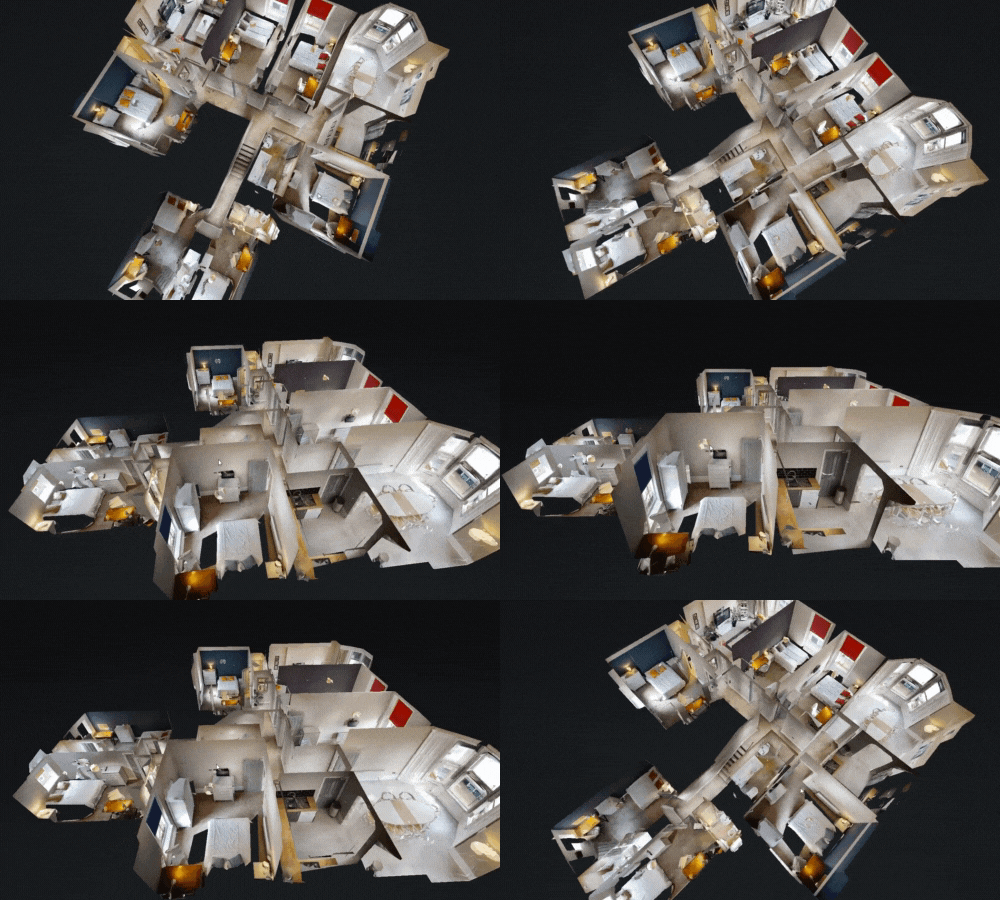
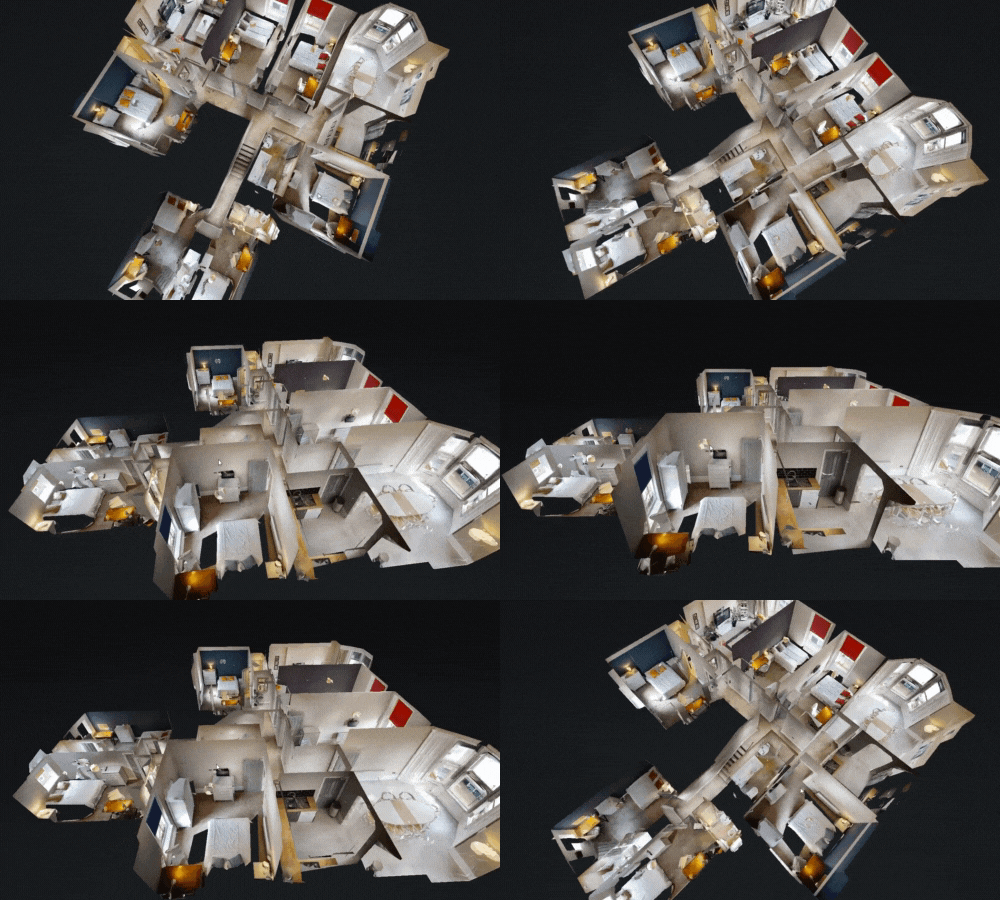
Dollhouse View
View your space in 3D from any angle
Dollhouse View
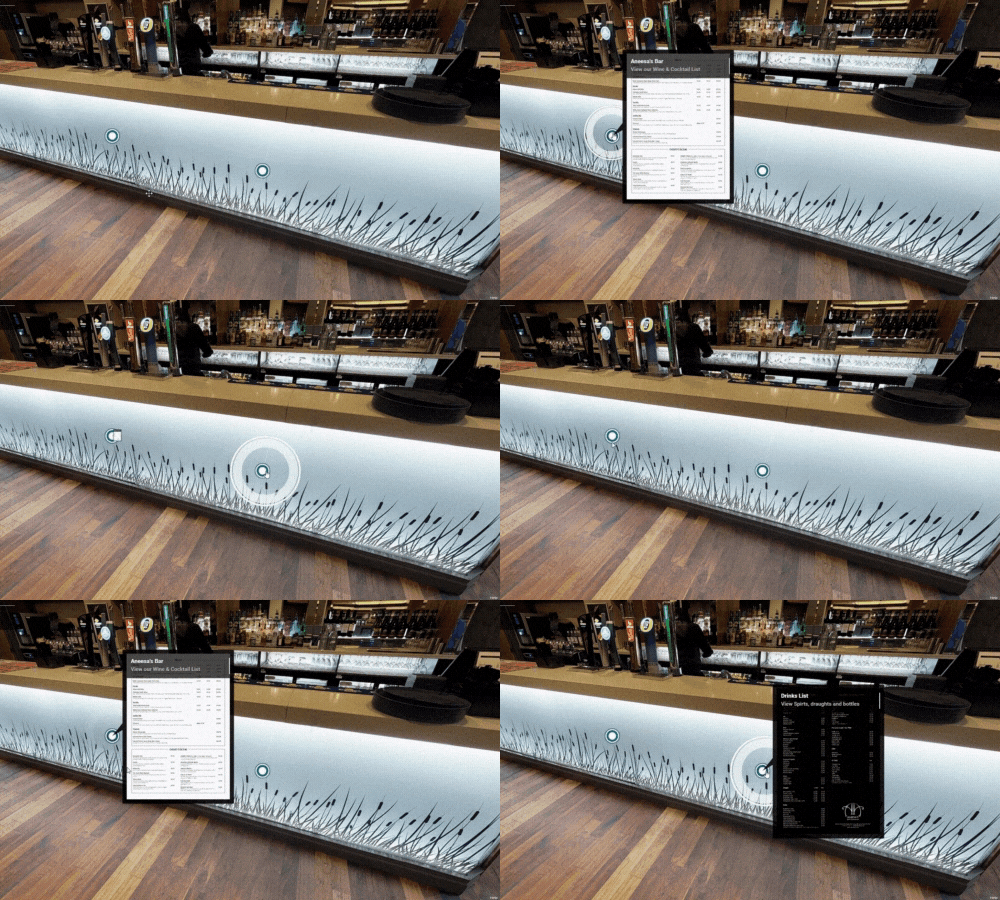
Add interactive information directly inside your virtual tour.
Mattertags are interactive hotspots that can be placed anywhere within a Matterport virtual tour. When clicked, they display additional information about a specific area, object, or feature within the space.
Mattertags allow you to enhance a tour with useful content such as text descriptions, images, videos, or links, helping viewers better understand what they are looking at.
What Mattertags Can Include
- Text descriptions explaining features or areas
- Images to highlight details or specifications
- Videos for demonstrations or presentations
- Links to websites, booking systems, brochures, or menus
Why Use Mattertags?
Mattertags make virtual tours more informative and engaging by guiding viewers through the space and highlighting important details that might otherwise be missed.
They are commonly used to explain features, showcase products, provide additional context, or direct visitors to further information online.
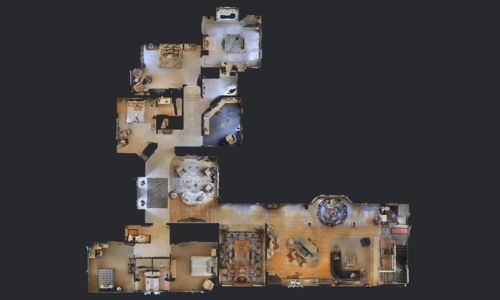
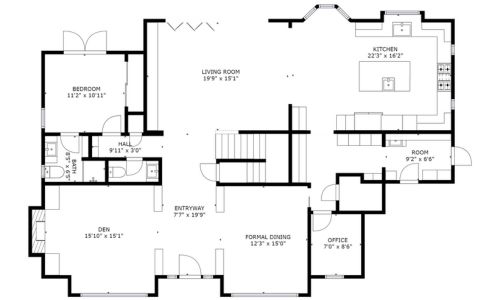
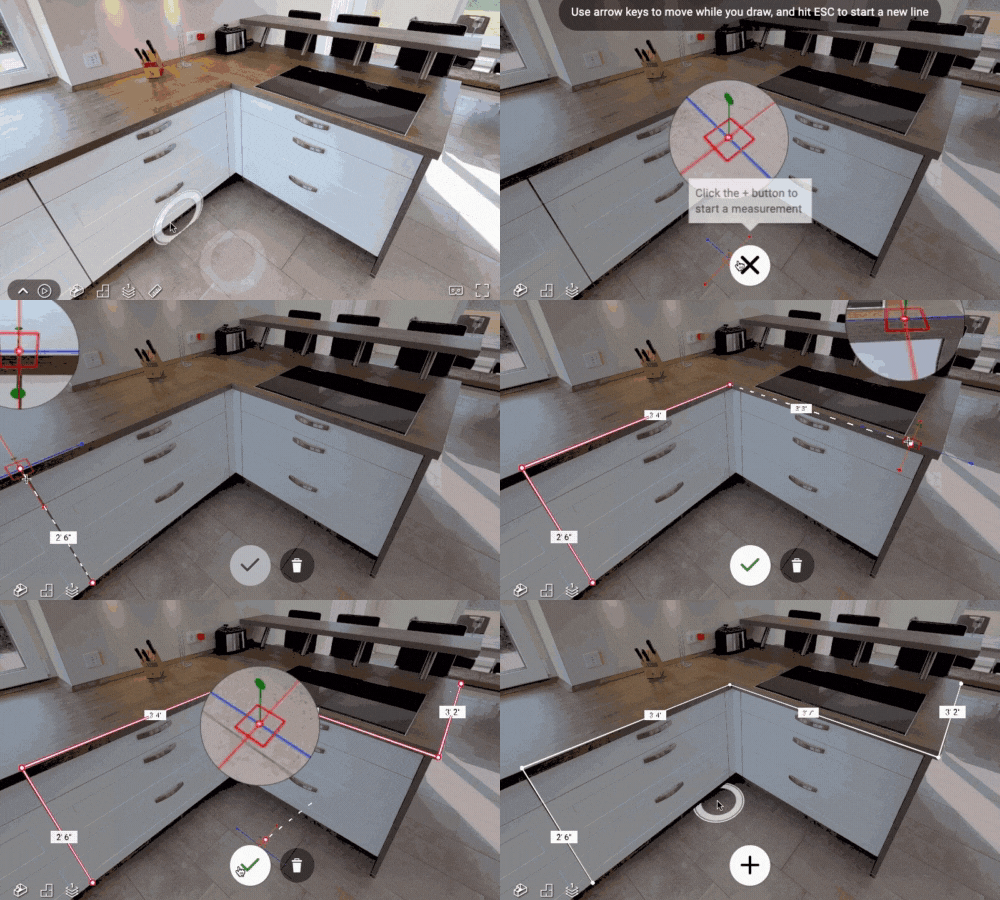
Matterport Tour Features
View some of Matterport's suite of features designed to create immersive and interactive 3D experiences.